
Download Keysticks – PC Control via Gamepad, Customizable Inputs, Advanced Macros
Overview
Keysticks is a specialized mobile application designed to transform a game controller into a full-featured alternative to traditional keyboard and mouse setups for PC navigation. Its primary purpose is to enhance user convenience, especially in scenarios where physical proximity to a computer is impractical—such as when using a PC connected to a television from a couch. This makes it particularly useful for media consumption, casual gaming, and remote system control. The app caters to a diverse audience, including gamers, home theater users, and individuals seeking ergonomic alternatives to standard input devices.
By enabling seamless cursor movement, clicking, and application launching through a gamepad, Keysticks reduces the need for physical keyboards and mice in relaxed environments. The app supports customizable mappings, allowing users to tailor button functions and joystick behavior to match their preferred workflows. It also facilitates advanced automation through macros and scripts, empowering users to streamline repetitive tasks with a single button press. These capabilities position Keysticks as a practical utility within the broader ecosystem of PC productivity and entertainment tools.
Although the developer did not provide additional background information, the app’s functionality suggests a focus on user-centric design and technical innovation. Its release on October 10, 2024, marks a timely entry into the growing market of remote PC control solutions. The app is available at no cost, further increasing its accessibility and appeal to a wide range of users.
Key Features & Functionality
Keysticks delivers a suite of features centered around flexible and intuitive PC control using a game controller. Each feature is designed to improve usability, comfort, and automation in everyday computing tasks.
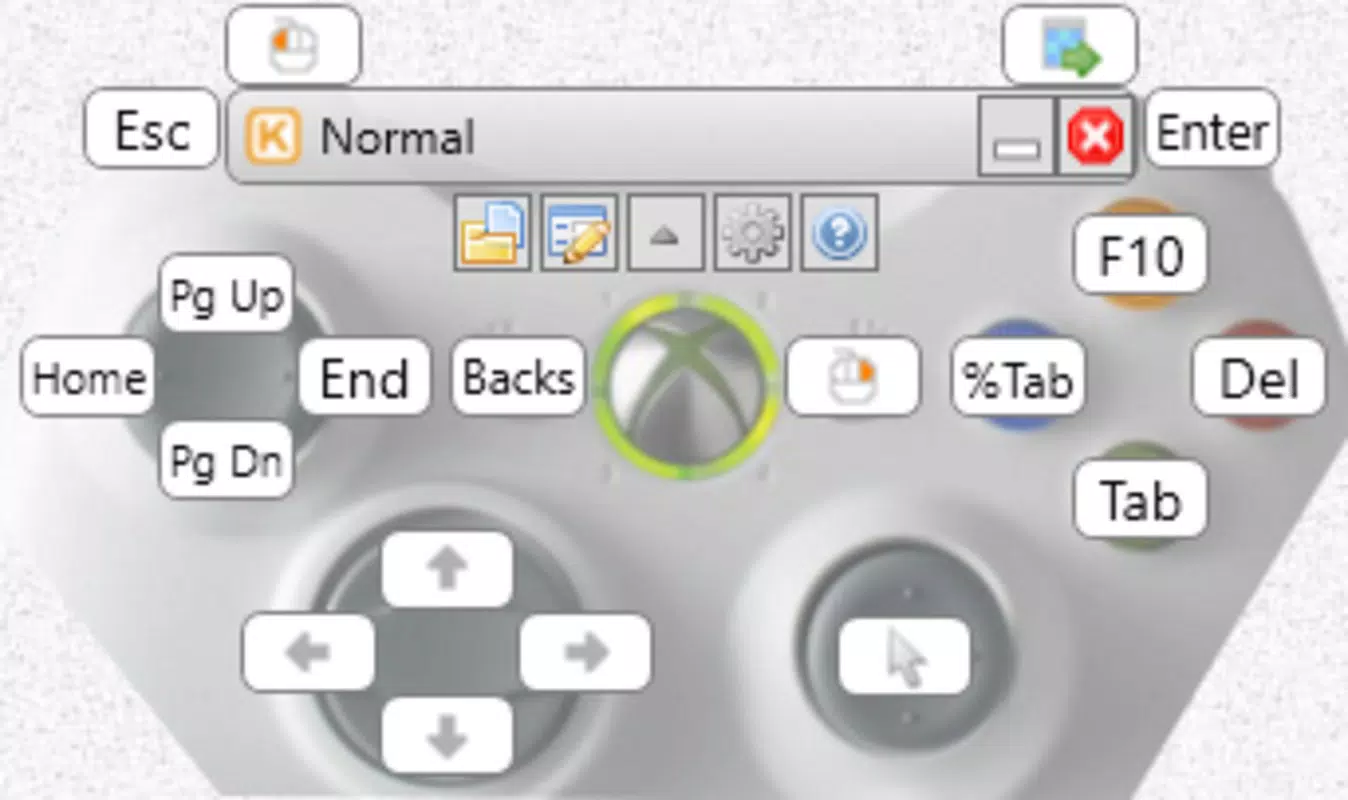
- PC Control via Gamepad: Users can navigate their PC’s interface using a gamepad, enabling cursor movement, button clicks, and keyboard input through physical buttons and analog sticks. This is ideal for users who prefer not to use a keyboard and mouse, especially when seated at a distance from the computer.
- Customizable Controls: The app allows detailed mapping of gamepad inputs to specific keyboard keys and mouse actions. Users can assign joystick movements to cursor control, map buttons to left/right clicks, and configure triggers for keyboard shortcuts—offering a high degree of personalization.
- Advanced Macros and Scripts: Keysticks supports the creation of automated sequences, where a single button press can trigger multiple actions such as launching an application, opening a file, and executing a command. This feature is particularly beneficial for streamlining complex workflows or enhancing gaming performance.
- Ergonomic Design: By replacing traditional input devices with a game controller, Keysticks promotes a more relaxed posture during extended use. This is especially valuable during long gaming sessions or when using a PC as a media center from a living room.
- Free to Download: The app is available at no cost, allowing users to explore its full functionality without financial commitment. This makes it an accessible tool for experimenting with alternative input methods.
For example, a user could configure the right joystick to move the cursor, the A button to left-click, and a custom macro to launch a media player and open a playlist with one press. This level of customization enhances both efficiency and comfort in non-traditional computing environments.
Interface, UX & Performance
The user interface of Keysticks is designed with clarity and functionality in mind, focusing on ease of setup and intuitive navigation. The layout prioritizes essential controls and configuration options, minimizing clutter while ensuring that all features remain accessible. Visual cues and labeled input zones help users understand how each gamepad component maps to PC functions.
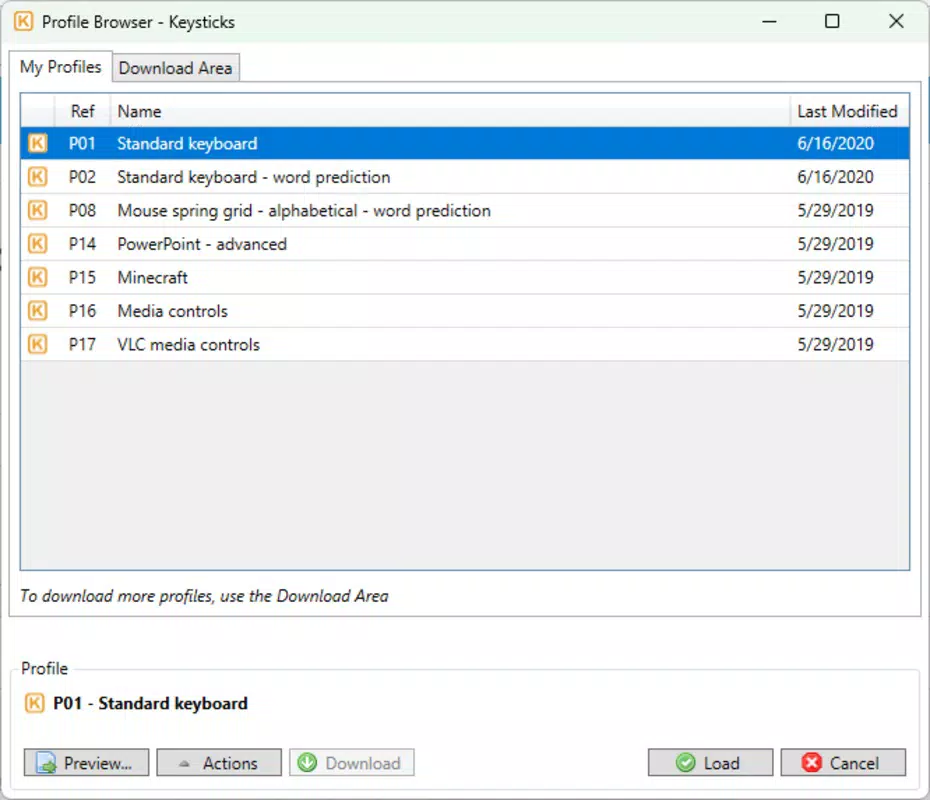
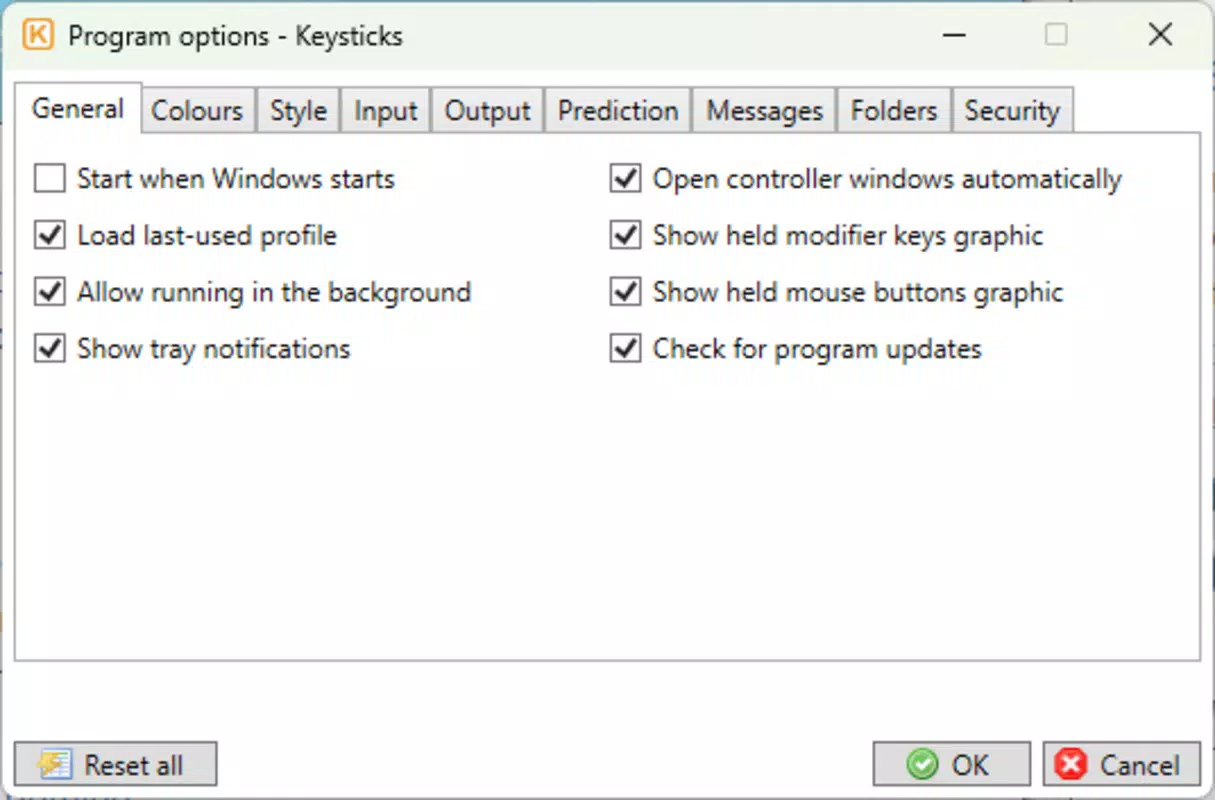
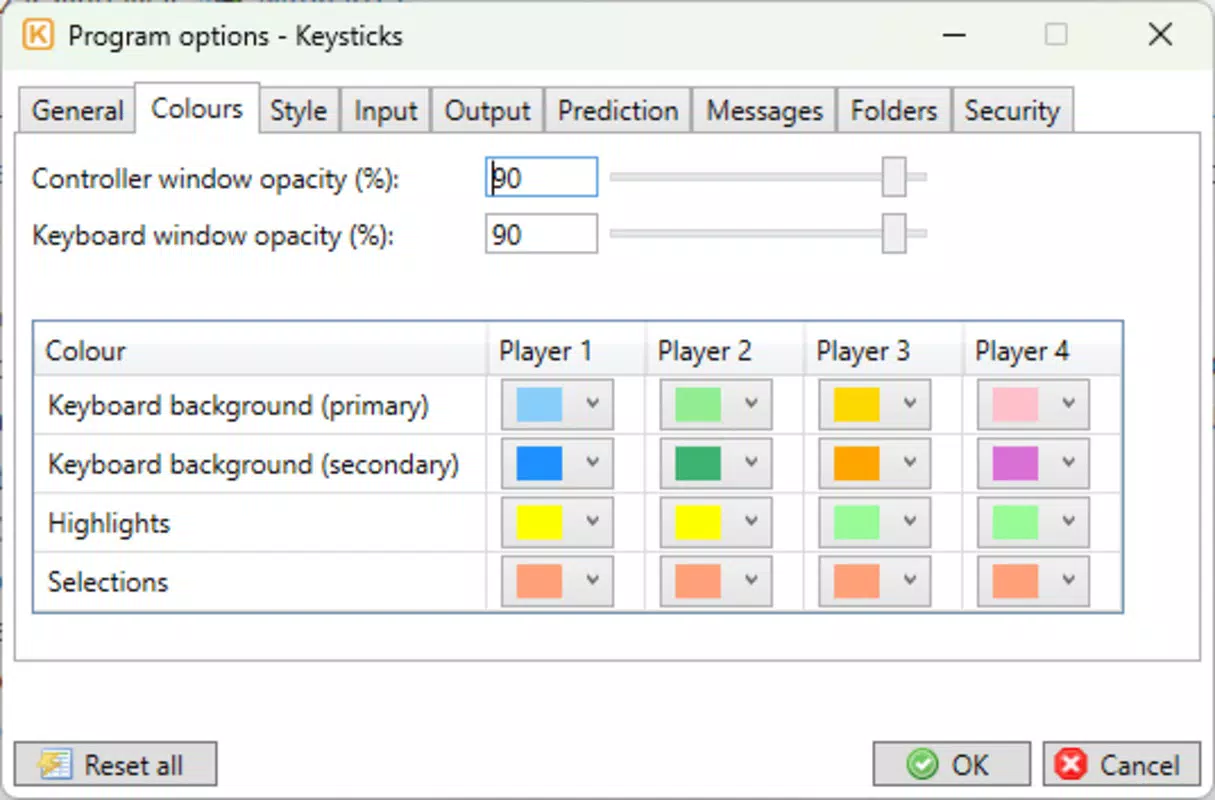
Navigating through the app’s settings involves a logical flow, guiding users through the process of assigning inputs, creating macros, and saving configurations. The interface appears responsive and stable, though the developer did not list formal performance metrics. It is expected to function smoothly on a range of devices, particularly those with modern Bluetooth or USB connectivity.
Although the developer did not specify minimum OS requirements or compatibility details, the app is designed to work with standard PC operating systems. Users should expect consistent performance when connected via Bluetooth or wired USB, with minimal input lag during cursor movement and button responses. Stability during extended use has not been independently verified, but the app’s lightweight design suggests efficient resource usage.
Overall, Keysticks offers a clean, functional experience that balances technical depth with user accessibility. The interface supports both novice users and advanced tinkerers, making it suitable for a broad audience seeking alternative PC control methods.
Platform Compatibility & Technical Requirements
Keysticks is available for Android and iOS platforms, enabling users to leverage their mobile devices as a bridge between a game controller and a PC. The app requires a compatible game controller with Bluetooth or USB connectivity, and it supports interaction with Windows and macOS systems.
The current software version is not specified, nor are the exact file size or minimum OS requirements. The developer did not provide additional technical details regarding system compatibility, hardware requirements, or supported controller models. Specific requirements were not listed, so users should ensure their devices meet general standards for Bluetooth pairing and app installation.
Compatibility information was not fully disclosed, but the app is designed to function with standard PC operating systems. Users are advised to check their device’s compatibility with Bluetooth peripherals and ensure that the PC is configured to accept input from external controllers.
Pros and Cons
Pros
- Transforms a game controller into a full PC input device
- Supports customizable button and joystick mappings
- Enables automation through advanced macros and scripts
- Offers an ergonomic alternative for long-term PC use
- Completely free to download and use
Cons
- Developer did not specify minimum OS or hardware requirements
- Compatibility with specific controllers was not confirmed
- Performance metrics were not provided
- No official support channels listed
- Advanced features may require a learning curve for new users
FAQ
Is Keysticks free to download?
Yes, Keysticks is available for free. There are no charges for downloading or using the app’s core features.
Does Keysticks work with all game controllers?
The app supports a range of game controllers with Bluetooth or USB connectivity. However, the developer did not list specific compatible models, so users may need to test their device.
Can I use Keysticks on both Android and iOS?
Yes, Keysticks is available for both Android and iOS platforms, allowing users to control their PC from a mobile device.
Do I need a PC to use Keysticks?
Yes, Keysticks requires a PC running Windows or macOS to function. It acts as a bridge between the game controller and the computer.
Is Keysticks secure to use?
As a tool that connects a game controller to a PC, Keysticks relies on standard Bluetooth and USB protocols. No additional security risks were reported, but users should ensure their devices are protected with updated software.
Final Thoughts
Keysticks stands out as a unique and practical solution for users seeking alternative ways to interact with their PCs, especially in relaxed or non-traditional settings. Its ability to turn a game controller into a full-featured input device offers both comfort and functionality, making it ideal for gamers, media enthusiasts, and anyone looking to reduce physical strain during extended computer use.
The combination of customizable controls, advanced automation, and a free pricing model makes Keysticks a compelling tool within the productivity and entertainment space. While some technical details remain unspecified, the app’s core functionality is robust and well-executed.
For users who value flexibility, ergonomics, and cost-effective solutions, Keysticks delivers real-world value. Whether you're navigating a media center from the couch or streamlining gaming workflows, this app enhances the overall PC experience.
Download Keysticks now


